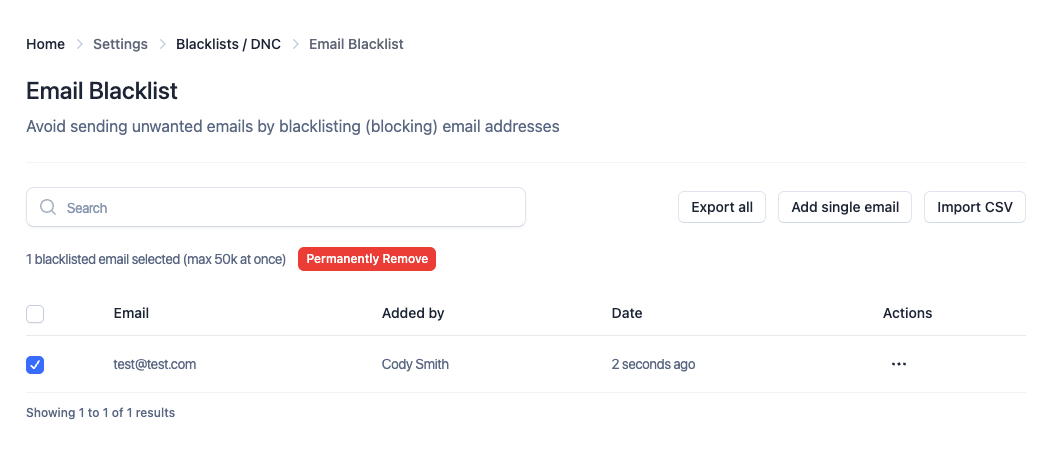
We added the following actions:
full text search
bulk actions
on both the email blacklist and domain blacklist
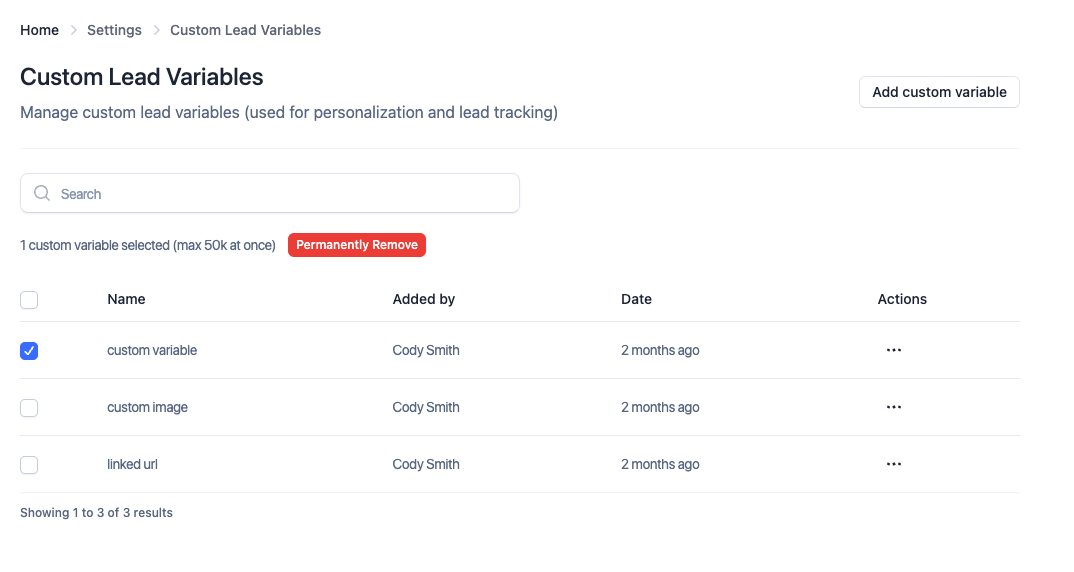
Previously, you could only manage custom variables when uploading a lead list or via the API. Now you can manage it through the settings.
Deleting custom variables is reserved for owners of the workspace, since once a variable is removed, scheduled emails that contain that variable will no longer have it replaced
Message timestamps and dates in the master inbox will now use your browser’s locale to determine the timezone. Previously we just defaulted to EST.
You can now use an optional param to pre-populate the from, to, and cc emails without having to manually supply them when creating replies or emails via the API.
Quality of life improvement.
Original email account must be connected and working, so if that’s not the case, and you want to use another email account.
You will also need to manually provide the sender email ID if you transferred inboxes from one provider to another, and lost conversation history.
If you are transferring inboxes from one ESP to another, do not delete them. Simply re-add them. This will help preserve the conversation links
If you had a lot of data, these would take a few seconds. They should be blazing fast now.
Previously, if you moved sender emails, you would lose the tags. Now, we re-create the original tags in your destination workspace too.
We still don’t recommend moving inboxes between workspaces often because you will lose contextual data (new replies will show up in new workspace and will not be attached to leads).
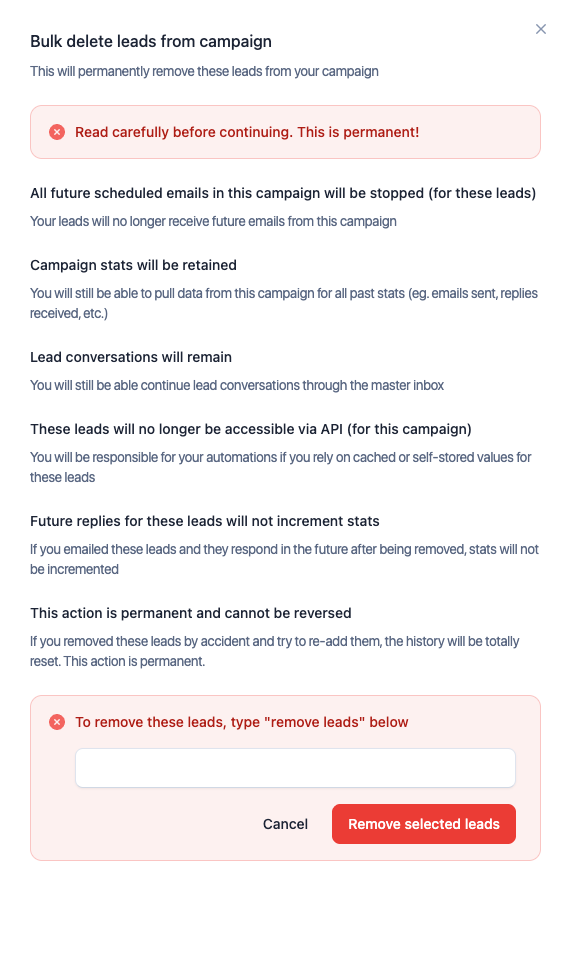
Previously, you could only stop future emails for leads once a campaign was launched. You can now remove them completely. For most use cases, we still don’t recommend removing leads, but the choice is now yours.
Available via API as well.
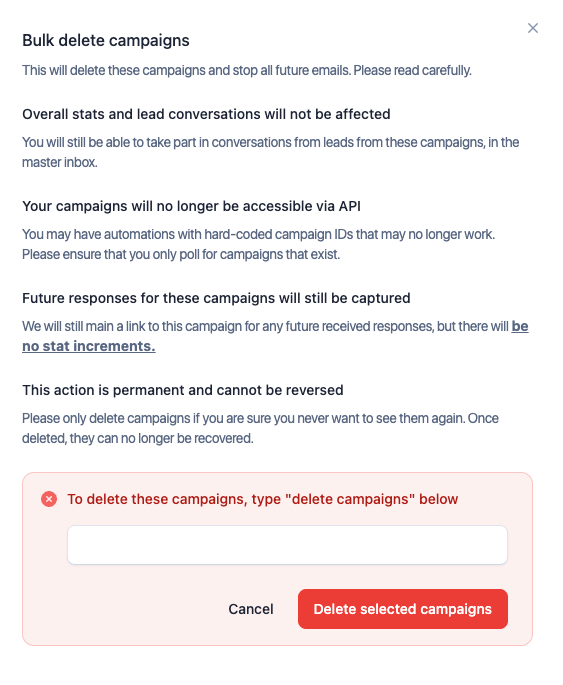
Previously, you could only archive campaigns and they would stay in your workspace. You now have an option to permanently delete campaigns.
Available via API as well.
Previously you could only unsubscribe them. We’ve added in guided prompts inside the app to help you navigate these new features, since they are permanent.

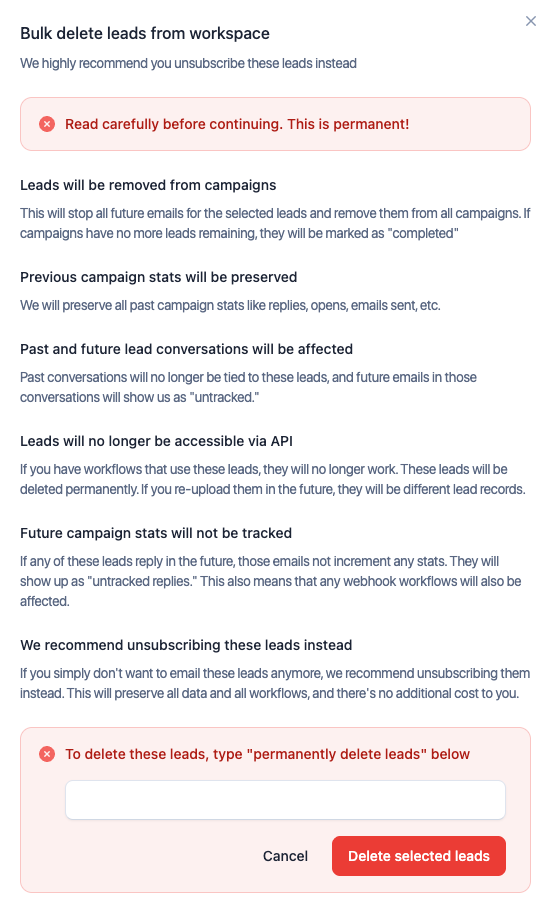
Available via API as well.
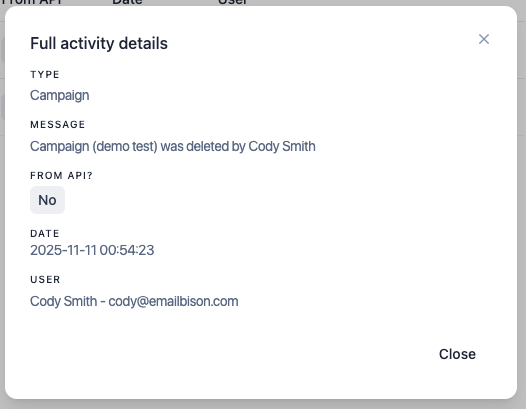
For now, any time someone from your team deletes data, it will be logged and visible. If you send us a support request saying “my data vanished!!!!!!” and haven’t looked at this page, you’ll be in big trouble!
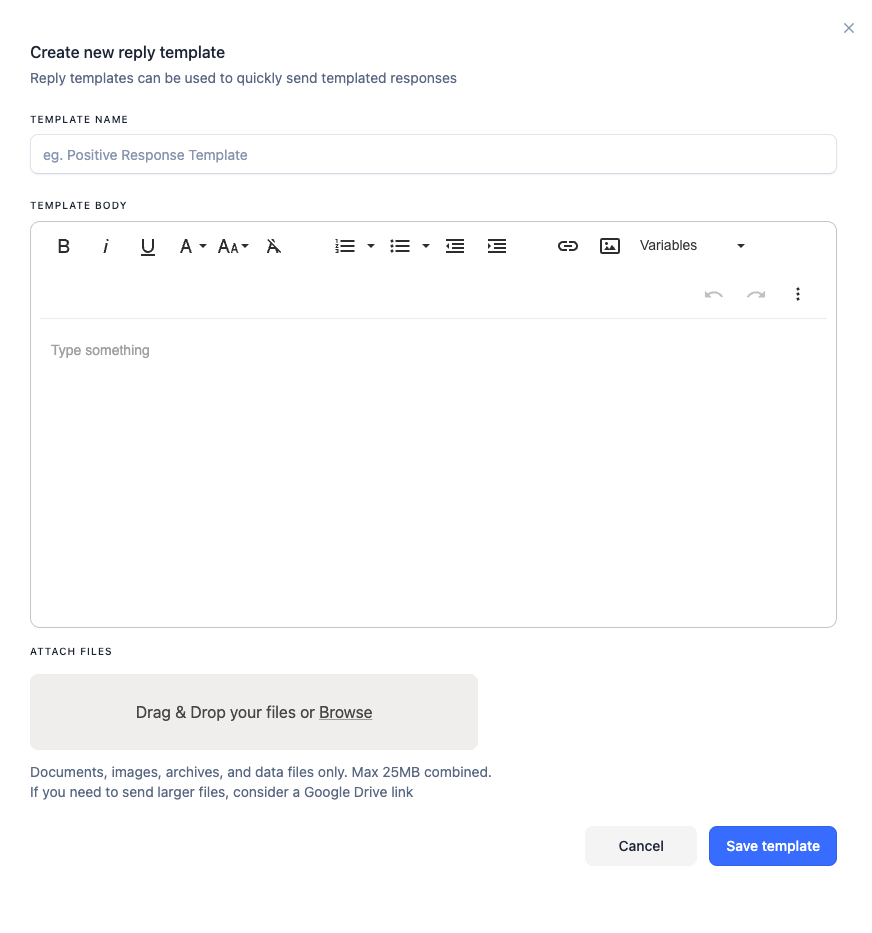
Much requested feature. You can now create, save, update, delete, and add attachments to reply templates and use them for any future replies.
Full in-app + API support to make it a breeze to manage.

As we’ve grown to store billions of records, we’re slowly introducing infrastructure upgrades with zero down time to make warmup stat pages load extremely fast. This is especially useful for people with thousands of email accounts, and for people running workflows via API.
