There are multiple ways to create variables.
Upload the leads using a CSV and include the custom variable names (and values if they exist and if you need them). The variables will be added to all leads for the workspace.
Add the variable in Settings > Custom Lead Variables > Add Custom Variable


There are multiple ways to edit variable values.
Upload the leads using a CSV and it will populate the variables with the new data.
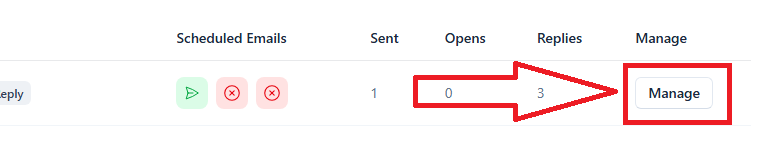
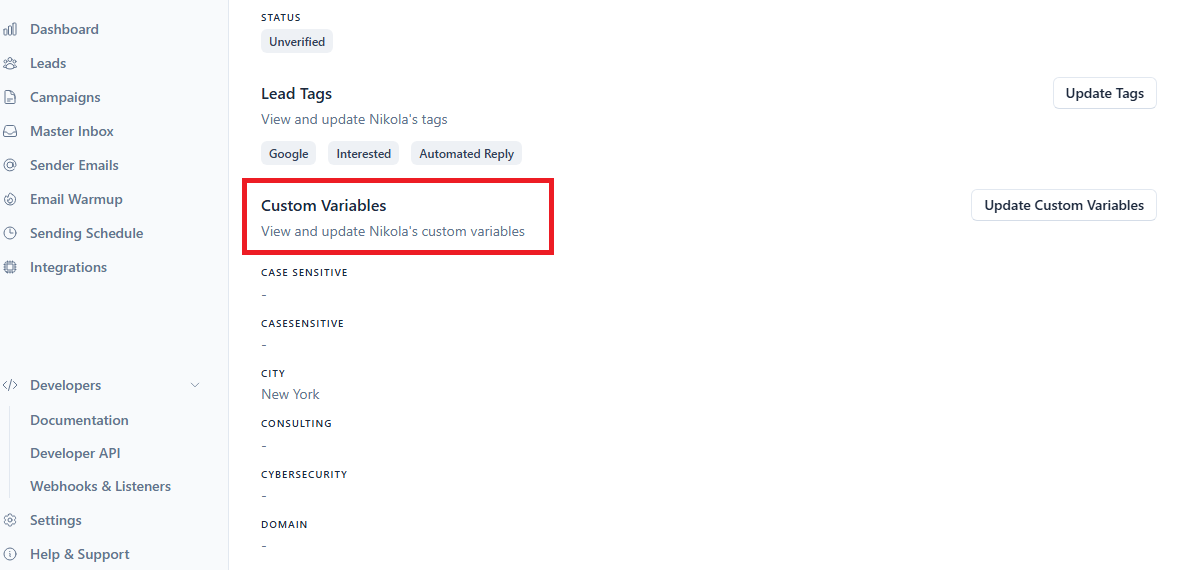
Go to the Leads page and click Manage on the right side. There you will have an option to edit the variable values for a single lead.