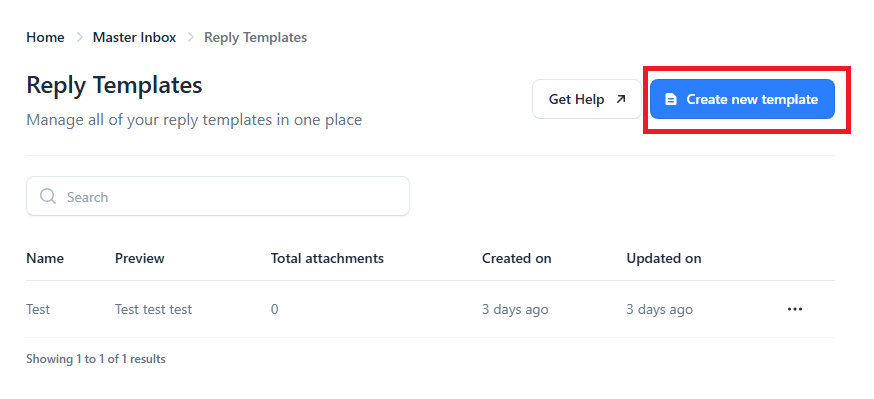
Yes! You can create, save, update, delete, and add attachments to reply templates and use them for any future replies. To add a reply template go to Settings > Master Inbox > Reply Templates.
To use a reply template, enter an email reply in the Master Inbox, click Reply, and the Choose Reply Template button will appear at the top right of the email text field.