This is an update pushed by Microsoft on December 2025.
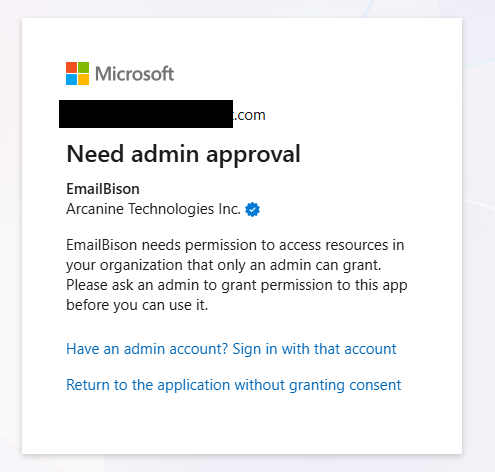
If you use an ESP to manage your inboxes, reach out to them and tell them to assign the Cloud Application Administrator role to the emails where this screen pops up.
If you manage the emails yourself:
Users > Active users
Click on an email to edit.
Manage roles.
Give Admin center access role.
Scroll down.
Click Show all by category.
Checkmark “Cloud Application Administrator” under Identity.
Save.
You should be able to upload the email account now.
Unfortunately there’s no way (that we know of) to do this in bulk or on tenant level.
