Microsoft has changed how permissions work, and IMAP now requires admin approval.
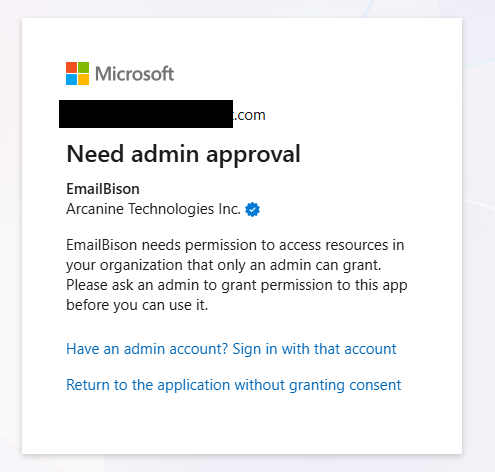
To resolve this:
Ensure one account from the same tenant has the “Cloud Applications Administrator” role.
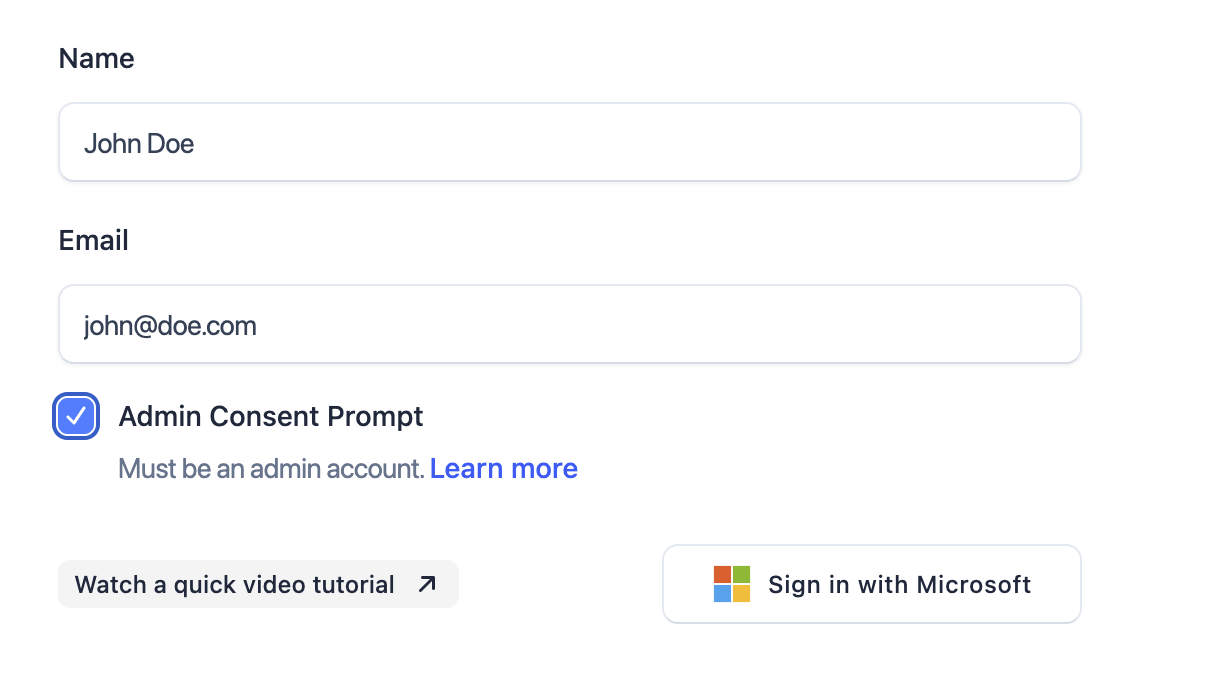
Sign in with this account, ensure that the “Admin Consent Prompt” on EmailBison checkbox is checked.
Accept the permissions on this admin account, you will now be redirected back after the permissions are accepted tenant-wide and the account has been connected.
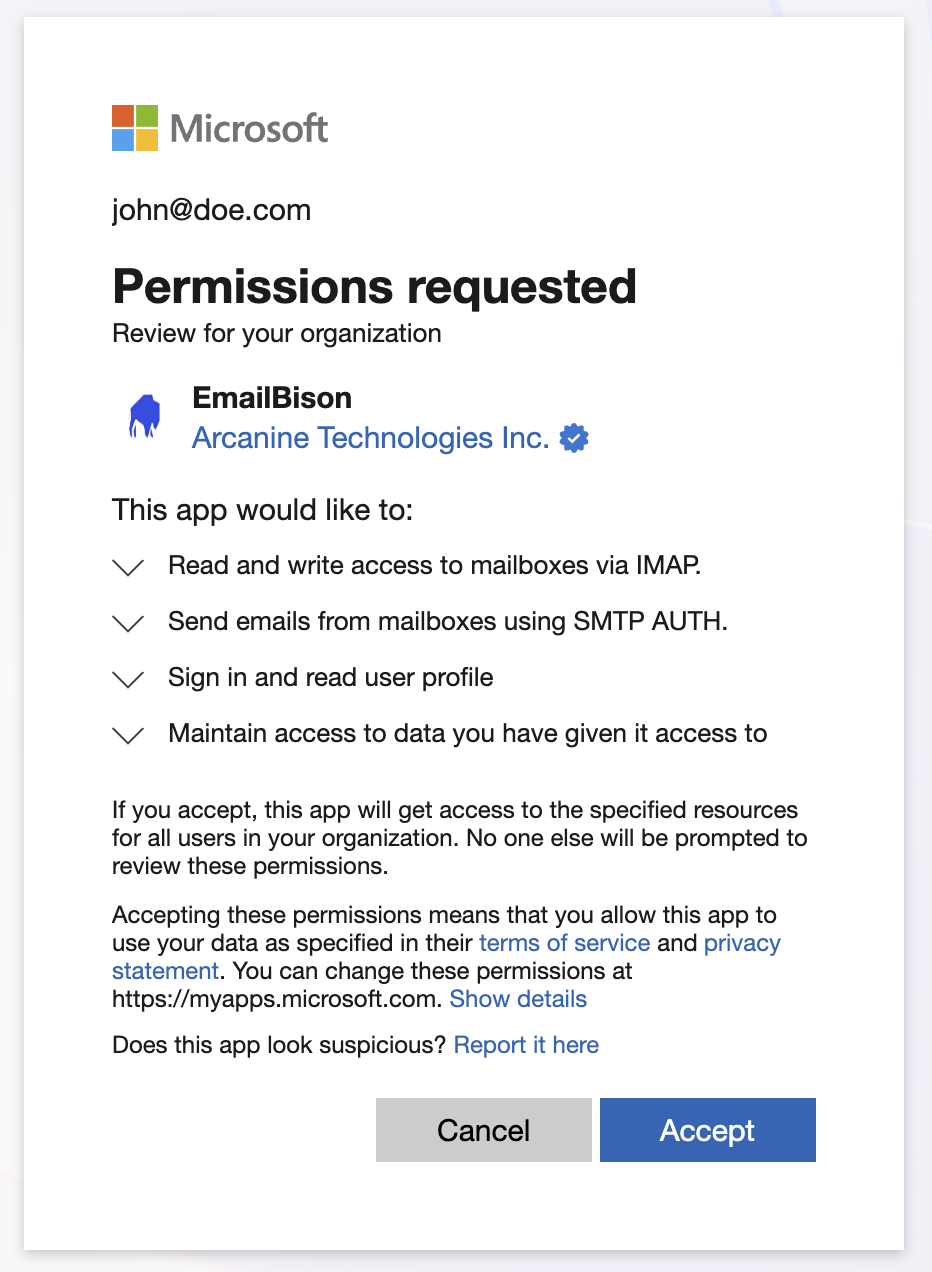
The rest of the accounts under this tenant will connect successfully. Do not use the “Admin Consent Prompt” checkbox for the rest of the non-admin accounts.
For usage of the bulk uploader, you can complete these steps once per tenant, or have this be automated for you. To learn more about automating this, please visit the bulk uploader page or refer to how_to_use.txt in the zip file.
