It’s here! Highly requested MCP Server. Connect your AI assistant to the MCP by visiting your integrations page and following the setup. It’s very powerful and we will continue to improve it.
Things you can do with the MCP:
Easily manage and work on multiple workspaces
Saved working sessions so you don’t need to reconnect workspaces
Manage leads by listing them, adding new ones, updating them, and tagging them
Manage campaigns by listing, creating, updating, launching/pausing, and tagging them
Inbox management understanding how many interested replies you’ve received, composing manual responses, finding specific replies, etc
Get analytics by asking things like “How are my campaigns performing overall?”, and get exports by asking “Export all my leads to CSV”
Manage sender emails and understand which campaigns they are in and how they are performing within campaigns or their warmup scores
The MCP Server is available to use with claude code, cursor, etc. We will continue to work to ensure it’s able to connect to all possible AI Assistant tools!
Switching workspaces will now keep you on the same tab you were on. If you were on the master inbox when you switch, you will remain on the master inbox.
Also, the occasional “Multiple workspace detected” message that would occur when you switch workspaces has been resolved.
These changes will make navigating between workspaces feel smoother than ever!
Being able to get scheduled emails was possible, but the endpoints were either scoped to a specific campaign, or a specific lead.
The new “Get all scheduled emails” endpoint is much more versatile. The endpoint allows you to filter by:
an array of campaign IDs
an array of lead IDs
an array of sender email IDs
the status of the scheduled emails, including ‘bounced’
before, on, or after the local scheduled date
You can combine these filters to curate a fine-tuned window into your campaign emails.
This was possible through the UI, and now you can do the same action using this API endpoint.
This is another action that you were able to take from the UI. This is now possible from the API in this release.
You can now pass in a status string to filter sender emails. Your options can be connected, not_connected, pending_move, pending_deletion.
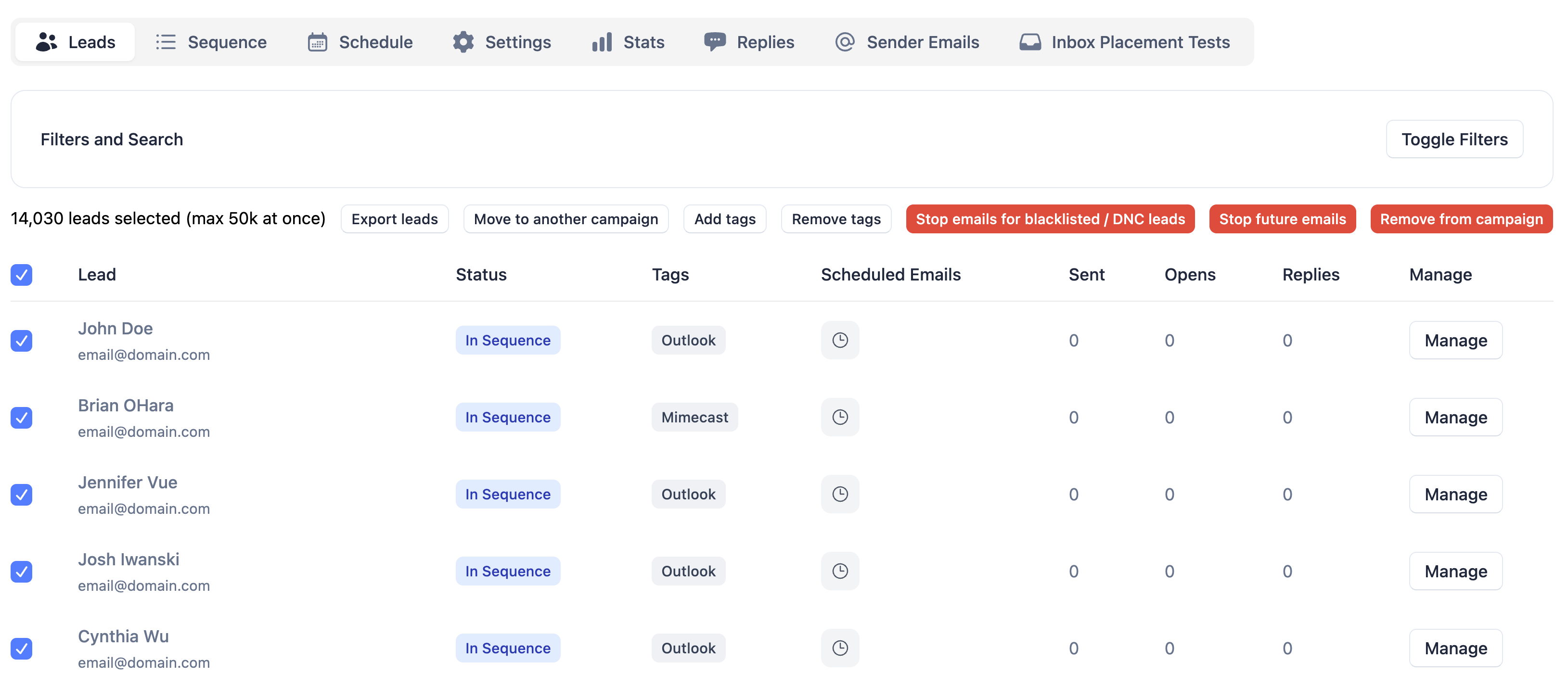
A requested quality of life feature that allows you to tag leads from within campaigns. This will give you more versatility when organizing leads.
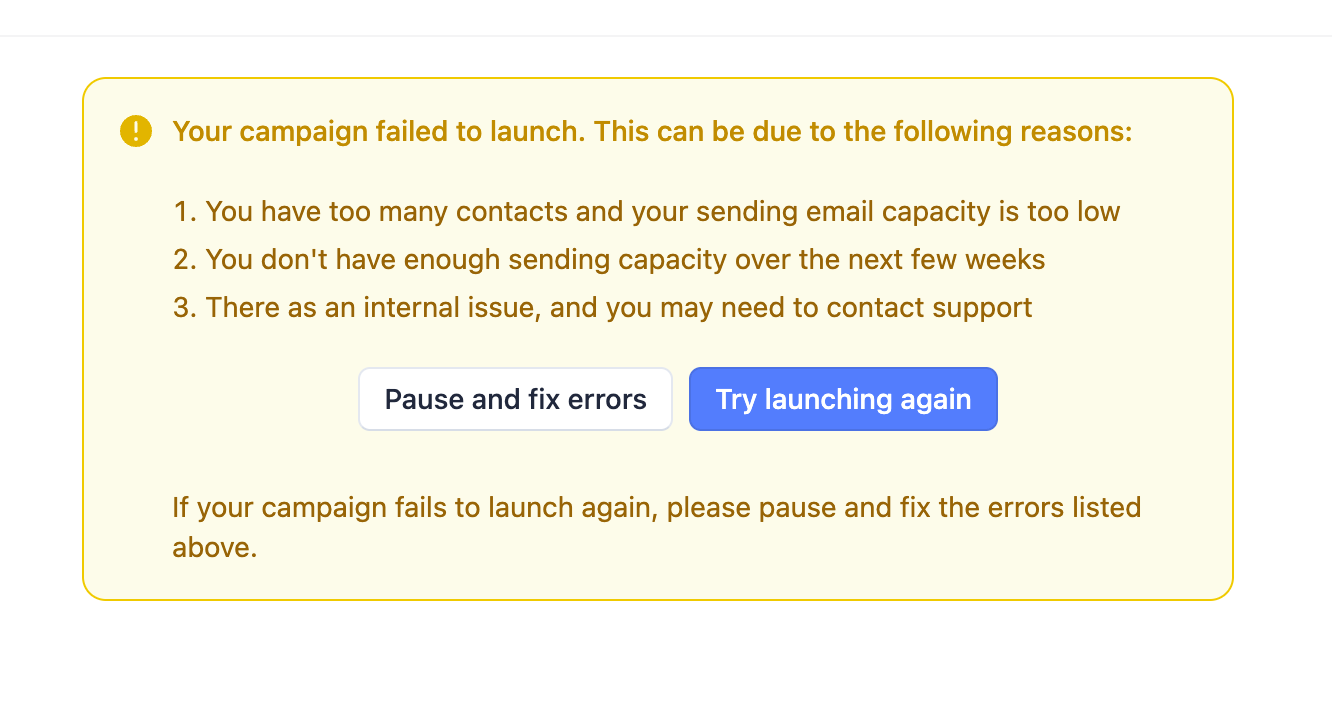
Campaigns would sometimes be in a failed state, mainly due to all the sender emails being removed.
In this release, we’ve exposed a button to allow you to set them to the paused state without needing to contact support.
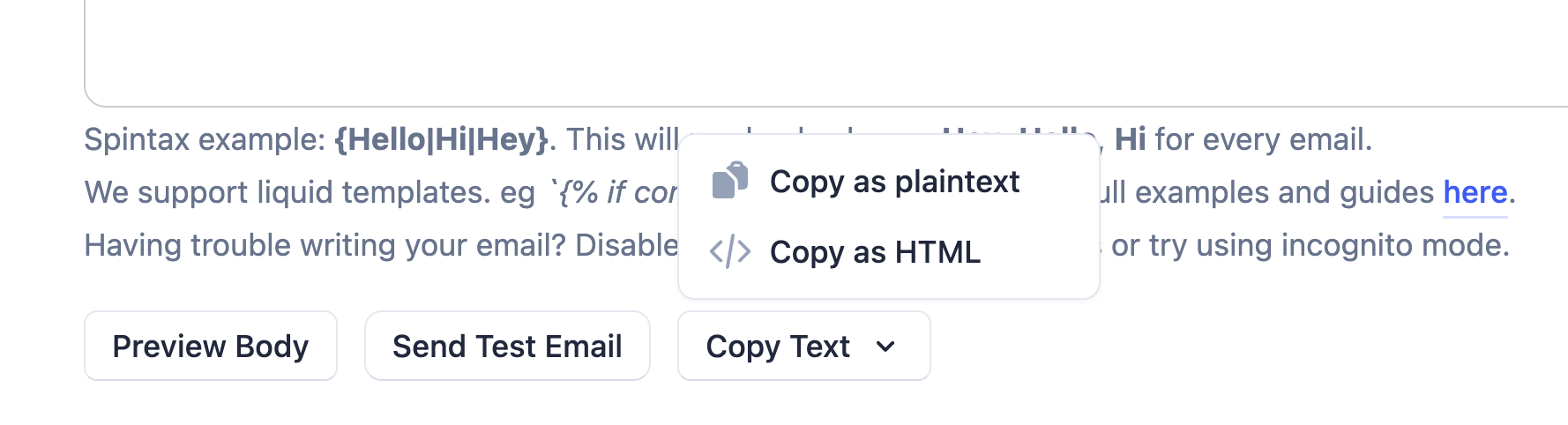
A more convenient way to copy a campaign sequence step; supports copying to HTML and plaintext, on all campaign states (draft, active, paused, completed).
Feature: If there are no leads or sender emails in a campaign, pick randomly from workspace for sequence step preview.
This is especially useful for followup campaigns which could stay a while without leads / sender emails in them.
Feature: Clicking on a master inbox thread will mark all parent (older) replies as read.
Feature (api): All sender email records will now also expose a warmup_enabled boolean.
Fix: [Visual bug] Deleting a sequence step would cause the “wait in days” placeholder to default to 1
Fix: Server errors when on the campaign sequence page.
Fix: The ‘Add Subject Variable’ dropdown was not disabled on followup campaigns, which was spotted by keen-eyed users.
Fix: Overlapping elements on client view on the sender email and lead pages.
Fix: Workspaces would rarely get stuck in the deletion process, this has been identified and fixed.
Fix: When duplicating campaigns, the total lead count would be taken from the previous campaign, and will only get updated to the correct count when adding leads. This has been fixed to always be correct.
Update campaign settings: exposed a new sequence_prioritization parameter with the options: followups, new_leads
Update campaign settings: removed the unsubscribe_text parameter. Users would pass values to this parameter too frequently with unintended effects on campaign steps.
Create new tag: removed the deprecated default parameter.
Give possible values for user role .
