To view custom variables for all contacts inside a campaign:
Open your campaign and go to the Contacts tab.
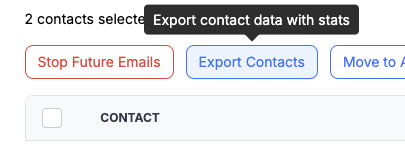
Bulk select the contacts you want to check.
Click Export Contacts.
The exported file will include all selected contacts along with any custom variables assigned to them.
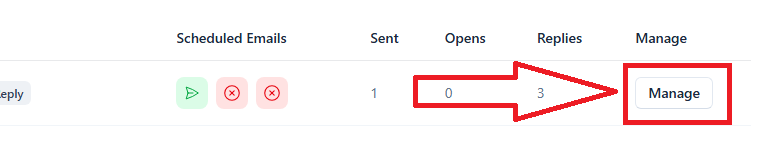
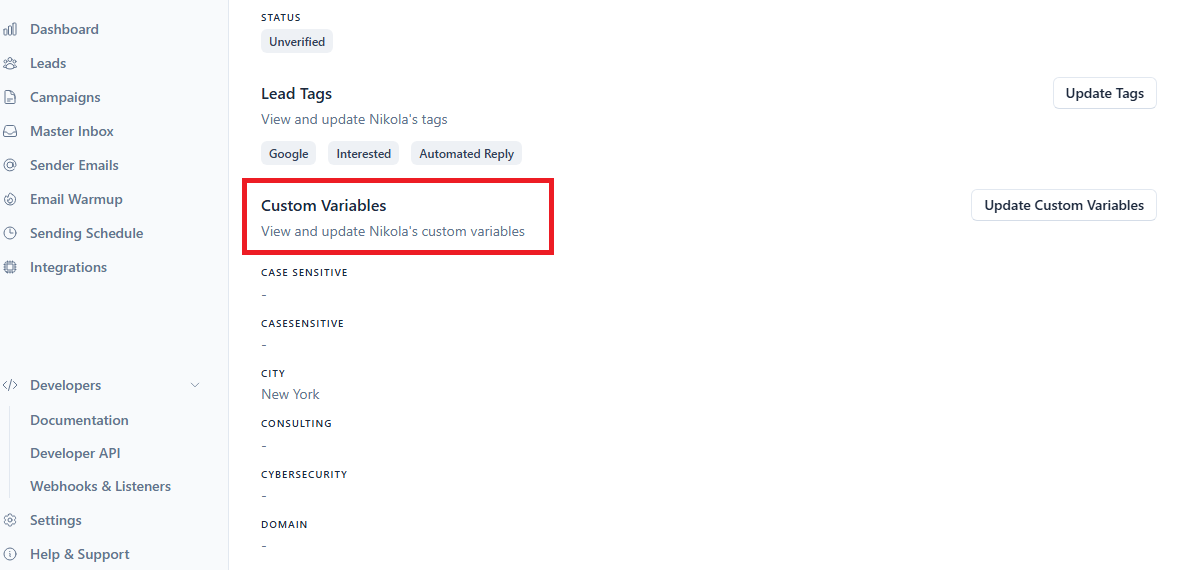
To view custom variables for a single lead click the Manage button on the right side to open the lead profile for all info including variables.